
Local multiplayer, on one device.
Pass & Play brings 2, 3, or 4 players to the same phone. Assign human seats during setup, choose optional player nicknames, and pass the device when the turn changes. You can also combine human and computer seats.
It is an easy way to enjoy a shared game at home or while traveling. Everyone follows the same board, and you do not need separate downloads on each player's phone. The current version does not offer matches between devices over the internet.
A computer opponent when you want one.
Play a solo round by assigning the other seats to the computer. Choose Easy, Medium, or Hard difficulty to fit the game you want. The computer runs on your device, so you can start a match without a network connection.
A two-player match keeps the board simple. Three- and four-player games add more tokens and more choices to consider on each turn.
Choose how your round feels.
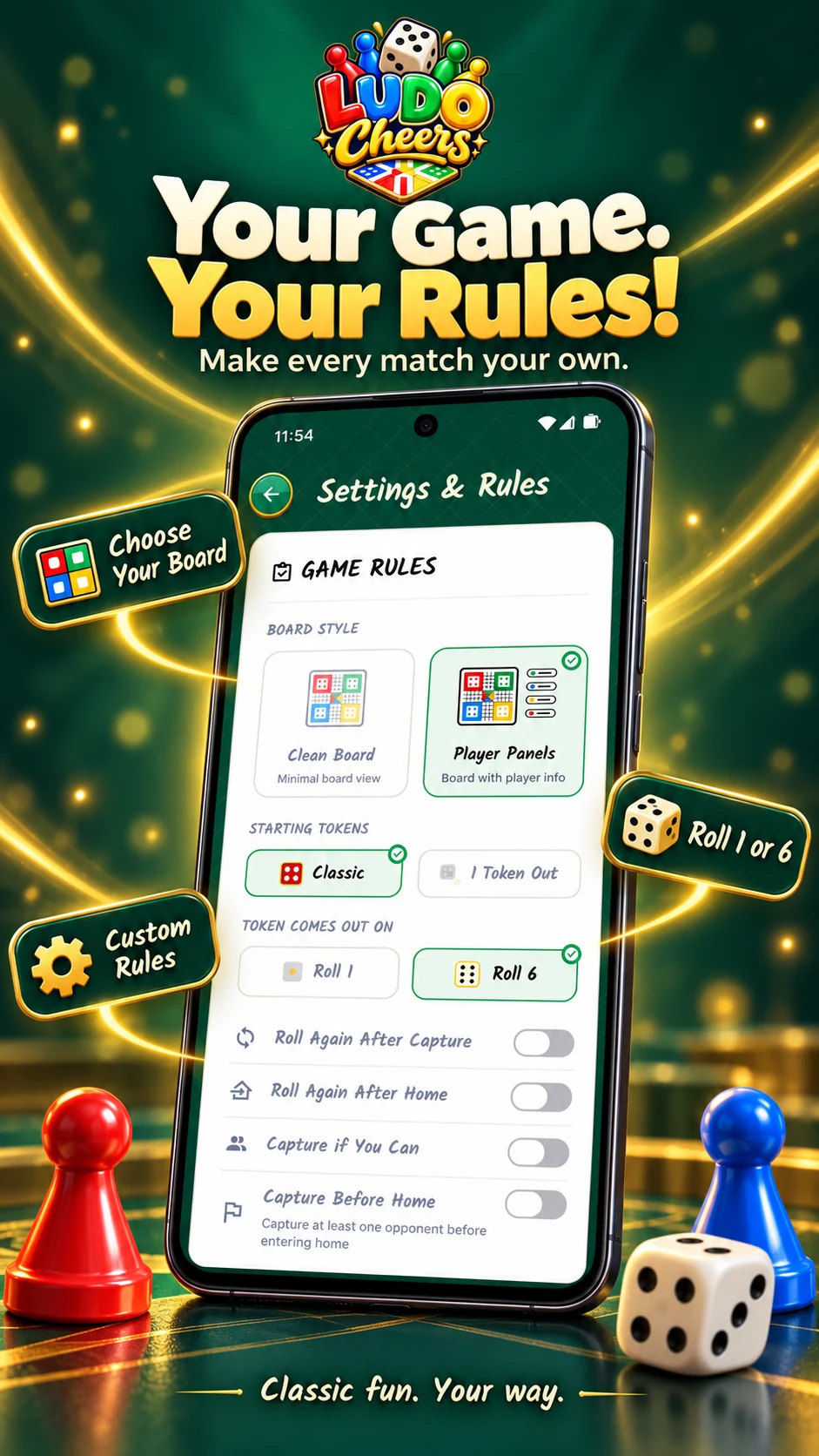
Open Settings & Rules to explore the available board styles and rule options. Ludo is often played with different house rules, so agree on your chosen settings before starting a match. Changes apply to the next game you begin.
Use the options displayed in your installed version as the guide to what is available. The How to Play guide explains the common ideas behind movement, captures, safe spaces, and finishing.
Your match does not need internet.
Once the app is installed, core gameplay works offline. There is no sign-in to complete before a round, and no connection needed for computer opponents or local multiplayer.
You will need internet access to download or update the app, visit Google Play, browse this website, or send a support email. Those are separate from playing a match.
Keep track of the rounds you finish.
Completed match history, statistics, and achievements give you a way to revisit your games. These records stay on your device rather than being synced to a Ludo Cheers online account.
The current version records completed matches, not a resumable in-progress game. Clearing app storage or uninstalling can remove your local records. See support for details before resetting data.
Dice, tokens, sound, and feedback.
Interactive dice and animated token movement give every turn a sense of motion. Game sounds, background music, vibration, and animation speed can be adjusted in Settings & Rules.
Keep the sound on for a lively table, or turn it down for a quiet round. Your next game can feel familiar without having to feel exactly the same.