Computer opponents
Choose from Easy, Medium, and Hard difficulty levels to match your skill and mood.

Enjoy classic Ludo offline. Play with friends on one device or challenge computer opponents with rules that suit your game.
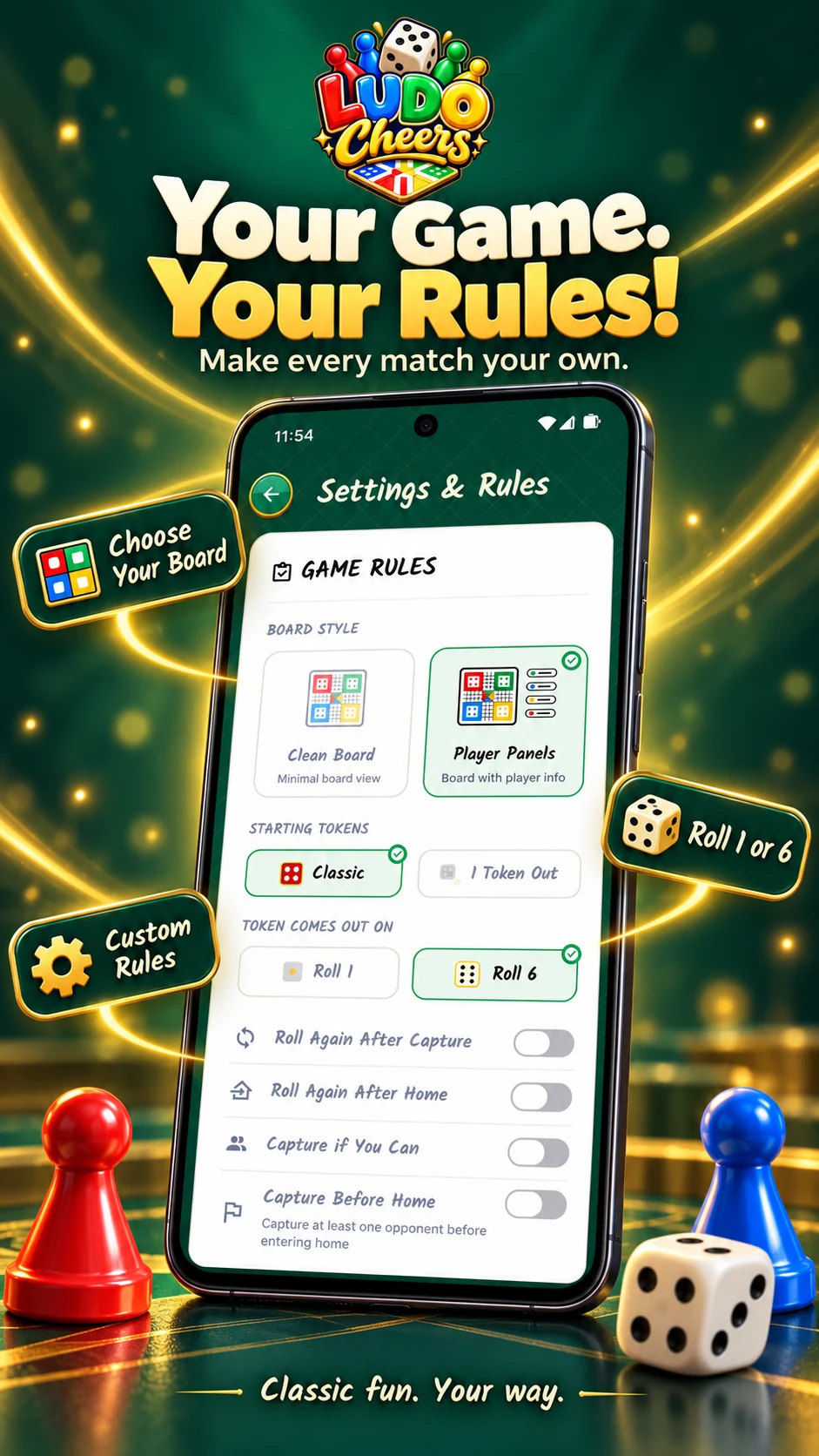
Explore the official promotional artwork for the classic dice game.

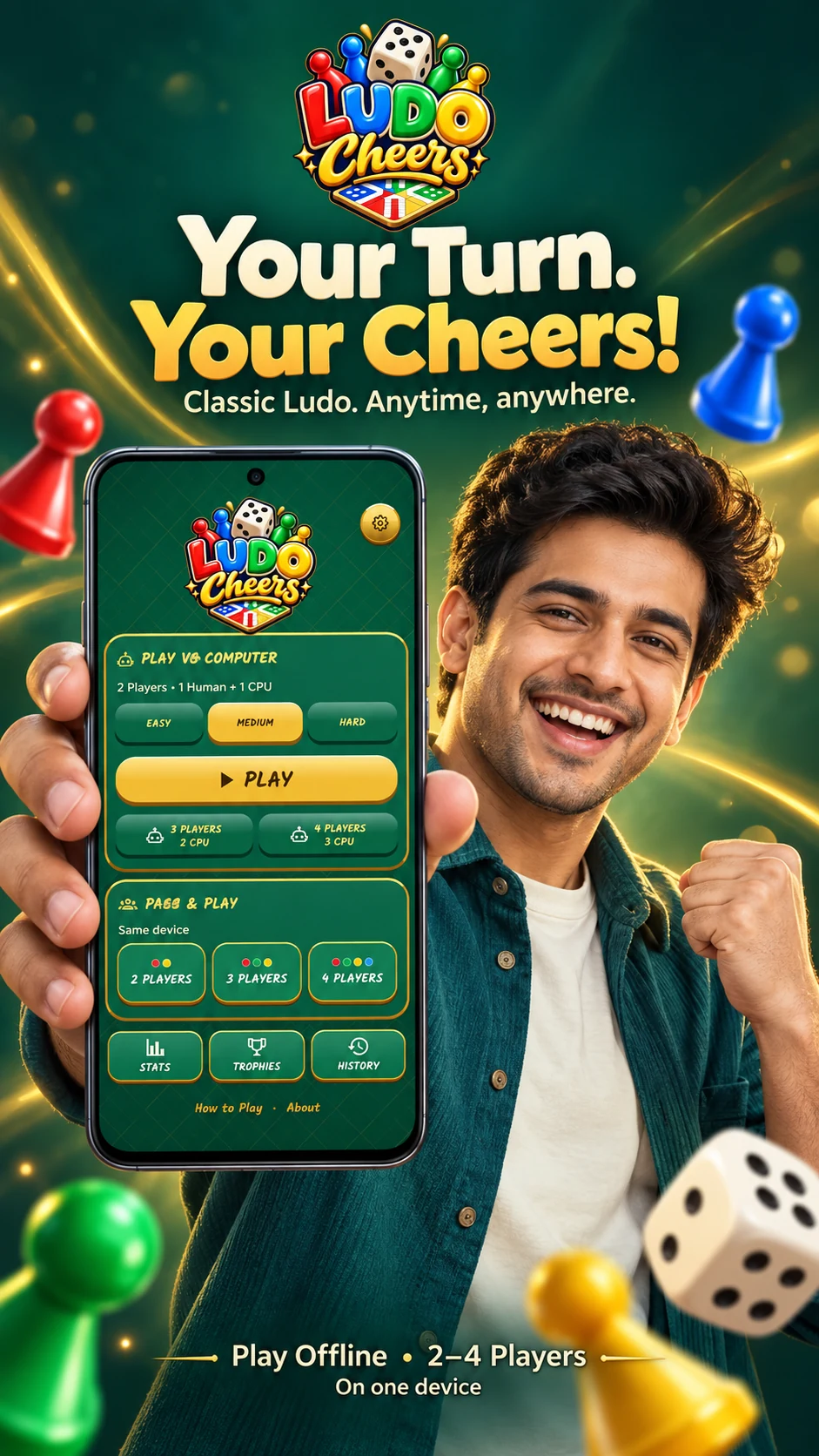
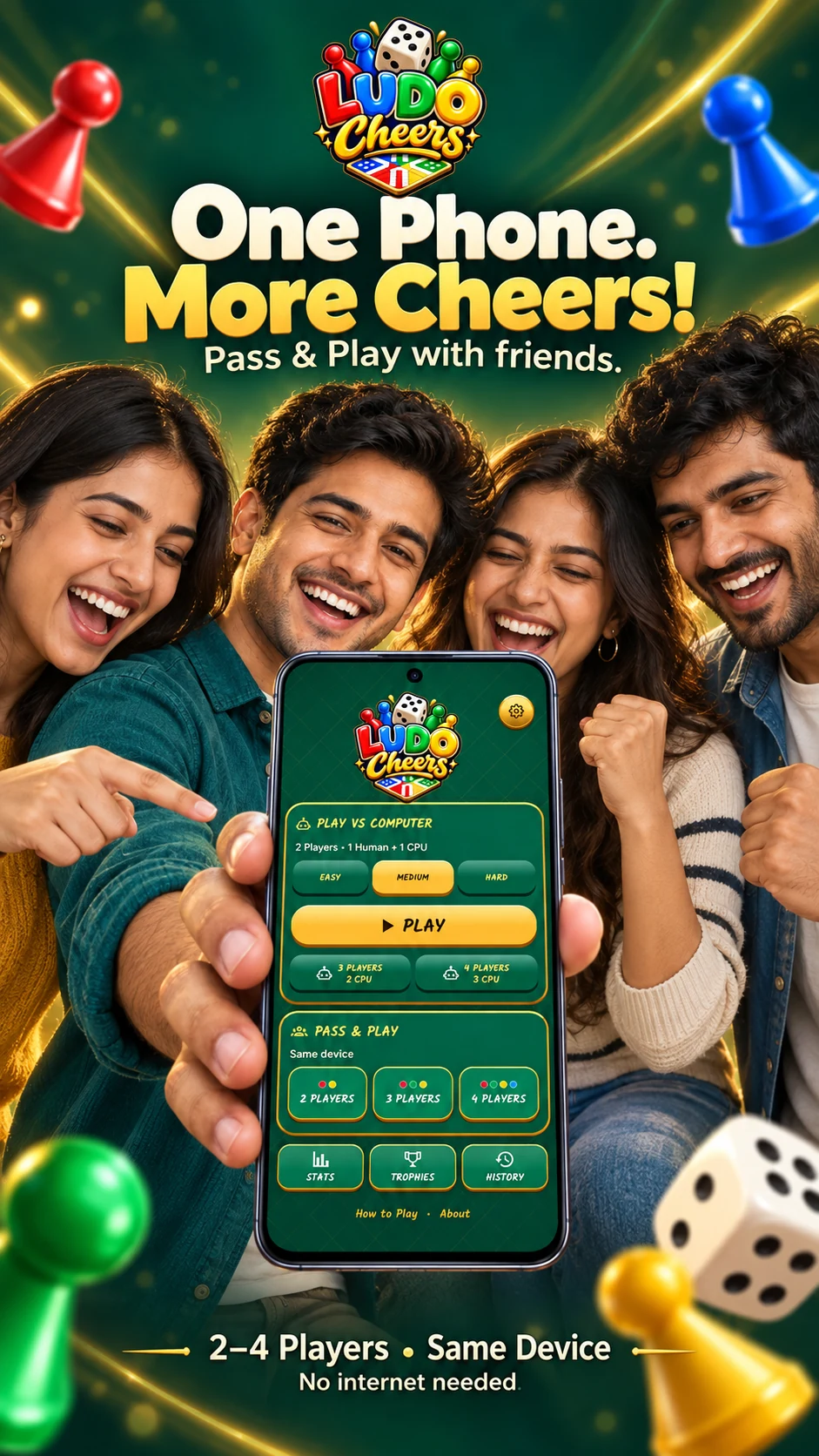

Ludo Cheers brings the classic board game experience to your Android device. It is designed for offline play, so you can enjoy matches anywhere without an internet connection.
Choose from Easy, Medium, and Hard difficulty levels to match your skill and mood.
Adjust available house rules to play the way you remember from home.
Select different board themes and enjoy interactive dice with animated tokens.
Control sound, music, and haptic feedback for a comfortable experience.
Review completed match history, statistics, and unlocked achievements.
Ludo is a simple race. Here is a brief guide to get you started with your first match.
Read the complete guideChoose the number of players and assign human or computer seats. Check the selected house rules before you start.
Roll the required number to enter tokens onto the track, then roll and choose a legal move.
Watch for opponents to avoid being captured, and use marked safe spaces for protection.
Guide your tokens safely into the home lane and the finish area. Entry conditions, bonus turns, captures, and finishing rules depend on the selected settings.
Try to have multiple tokens on the board. This gives you more legal moves when you roll the dice.
Select safe squares strategically to protect your tokens from captures.
Evaluate a capture before taking it. Sometimes advancing your own token is better than sending an opponent back.
Pay attention to opponents’ positions and anticipate their moves.
Carefully plan your final moves in the home lane, where an exact roll is often needed.
Yes. Matches run offline once the app is installed. Downloading the app, opening this website, and visiting Google Play require an internet connection.
Yes. Choose 2, 3, or 4 players for local Pass & Play. Human players take turns on the same device.
Yes. Choose computer opponents with Easy, Medium, or Hard difficulty.
No account or sign-in is required to play. Your settings and completed game records are stored locally.
The current version supports offline computer opponents and local multiplayer on one device. It does not connect players on different phones.
Settings, optional local nicknames, completed match history, statistics, and achievements are stored on your device. An unfinished match is not saved as a resumable game. Read the privacy policy for details.
Get Ludo Cheers on your Android device today.